Broken formatting when switching editor from plaintext to HTML
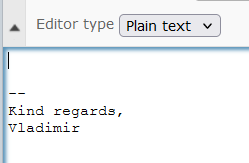
I have a set up a simple signature in my identity settings, and I have "Compose HTML messages" set to "on forward or reply to HTML message". So by default, when composing a new message, the editor opens in plaintext mode:
The problem is, if I want to switch to HTML mode, the editor does not honor the default font settings and also disables line spacing (it appears it doesn't add <p> tags at all).
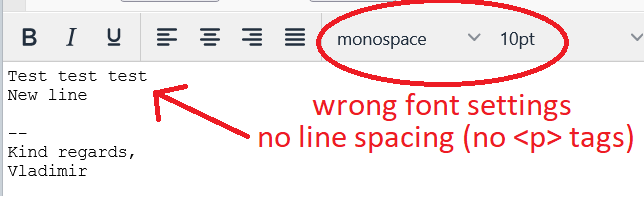
While the font can be changed in the editor (although it can sometimes reset back to "monospace" for unknown reasons), there seems to be no way to fix the latter issue except by editing the message's source code and adding a <p> tag manually. This is very inconvenient and should probably be fixed somehow.
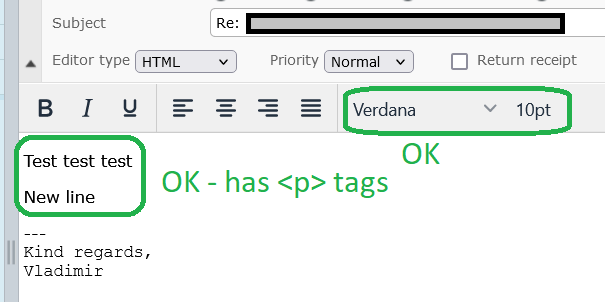
This issue does not happen if the editor first opens in HTML mode (in my case, when replying to an HTML message or forwarding one). It also doesn't happen if the signature is empty.
Source: roundcube/roundcubemail