Switch between absolute and scaled chart preview dimension.
Author: iosonosempreioCreated Oct 2, 2020Updated Sep 14, 2025
Add possibility to switch between absolute and scaled chart preview dimension. Export options must always create outputs in absolute values.
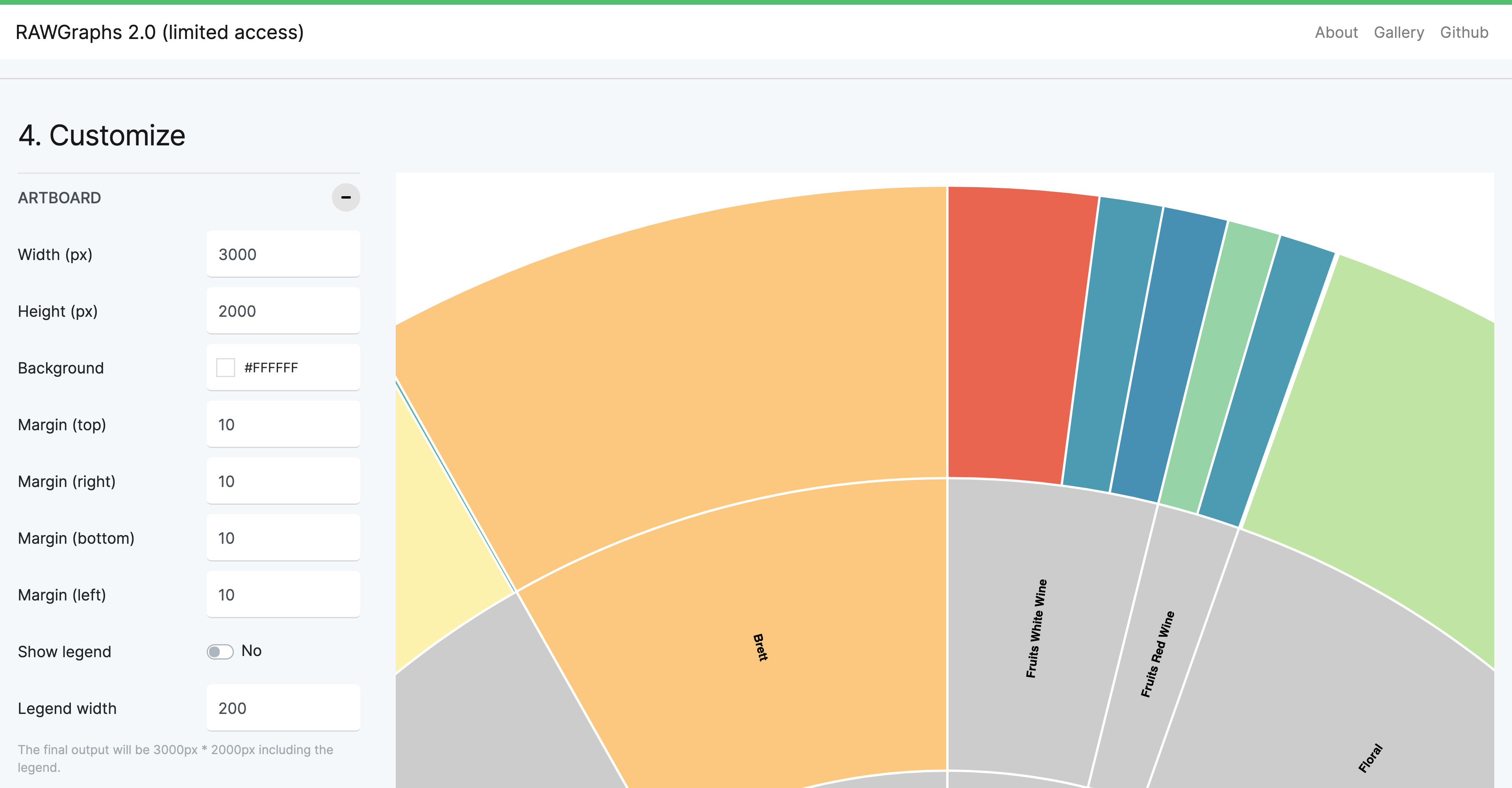
Absolute:
<svg width="3000" height="2000" />
Preview is larger than the viewport:
Scaled:
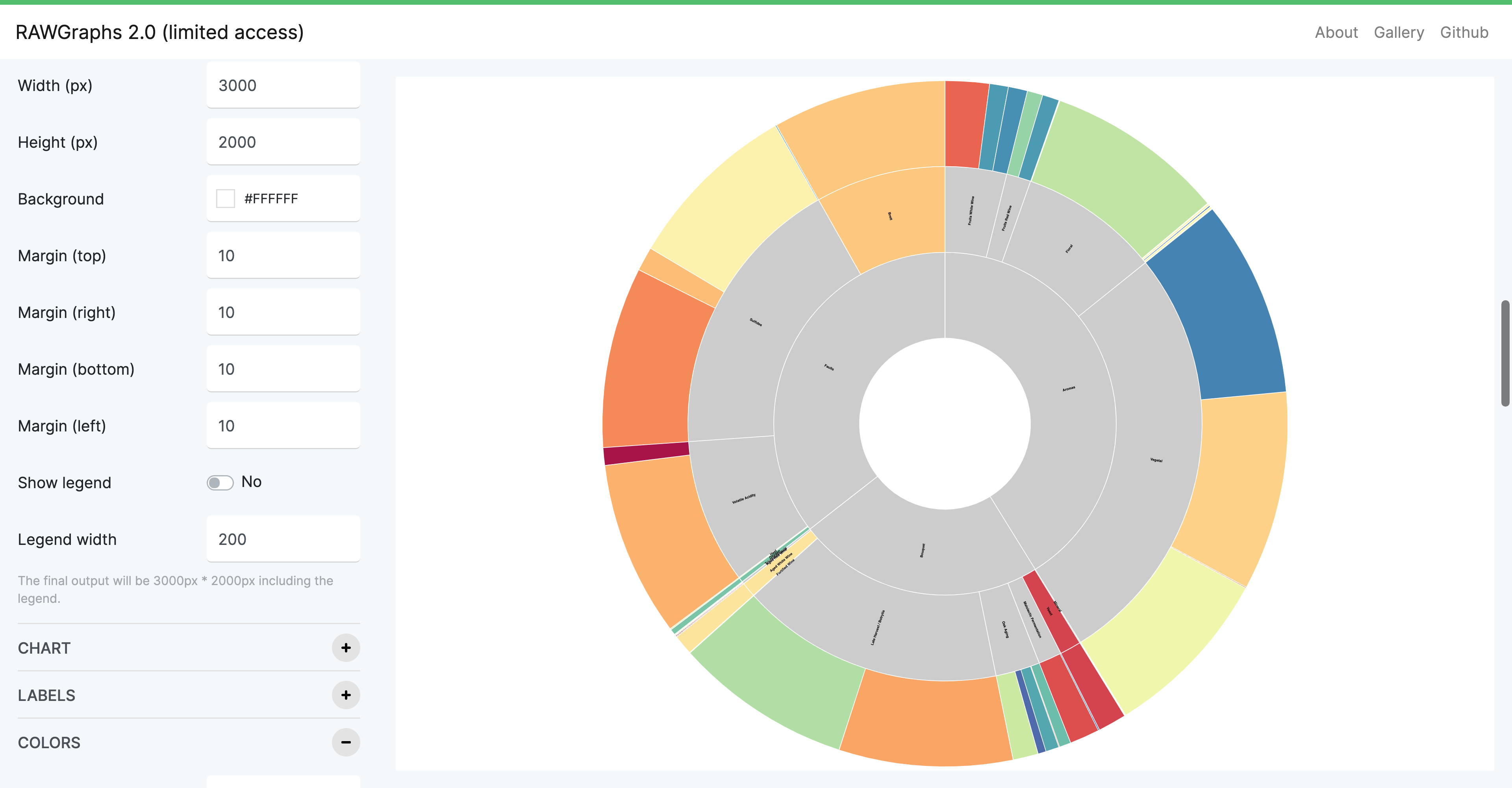
<svg width="100%" height="90vh" viewBox="0 0 3000 2000" />
Preview is scaled to the available space (notice labels are smaller).
A better height value could be: calc(100vh - (var(--header-height) + 30px)), set via CSS (looks like it is not working as inline attr).
Source: rawgraphs/rawgraphs-app