Settings in three different corners of the UI
Author: jnweigerCreated Dec 18, 2021Updated Jul 9, 2026
LabelsenhancementdesignQA:team
Seen in 10.9.0 RC2 - (not a regression, this is unchanged since ownCloud version 3 according to Holger)
- Open the clasic files Web UI
- The main settings pages are available under the user name in the top right corner. OK
- There is also a smaller Settings menu in the lower left corner. (Both highlighted in red)
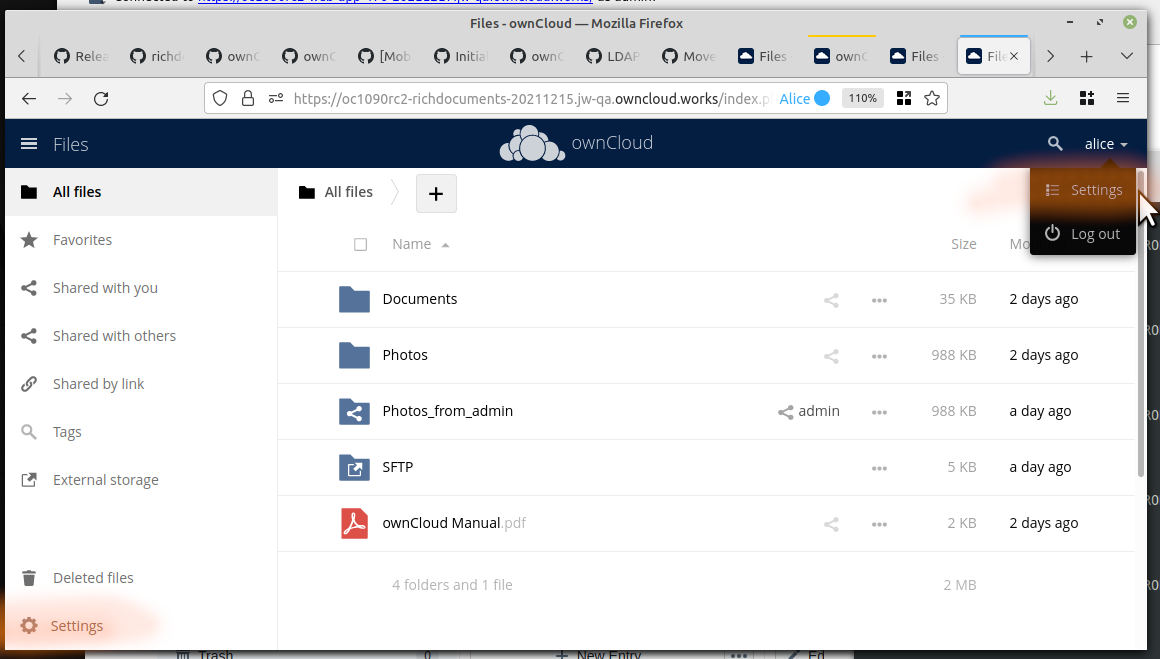
The menu in the lower left has normally only one setting and one information:
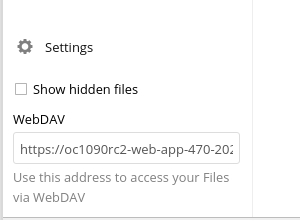
The new Web UI does not have the lower left settings at all. Thus these two items will not be available any more.
I suggest the following enhancement:
- Both items from the lower left should be integrated into the user's personal settings page. Mockup idea:
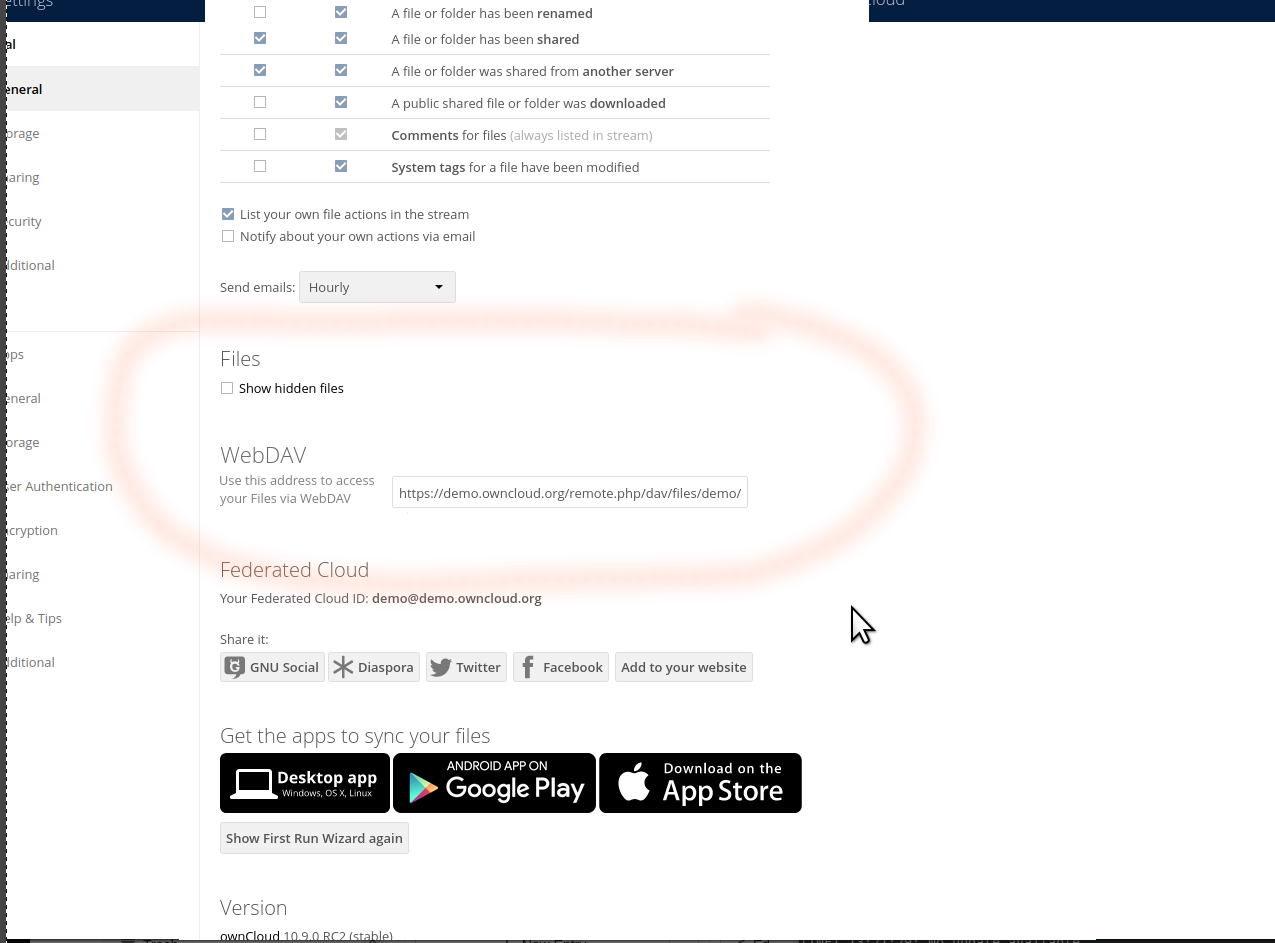
- The lower left settings box should be reduced to [ ] show hidden files (or not even that ...) [Visit your personal settings] (link to that)
Source: owncloud/core