opencode
> AI 编程A powerful AI coding agent. Built for the terminal.
About
A powerful AI coding agent. Built for the terminal.
For a quick video overview, check out
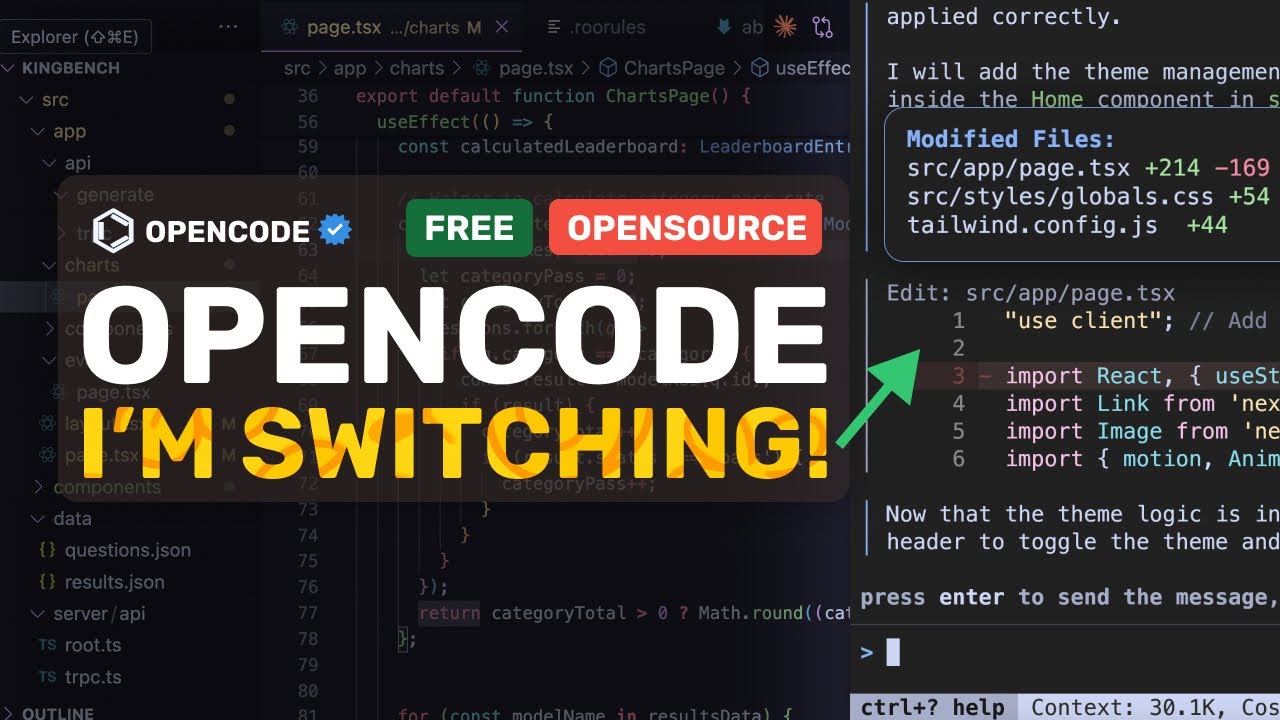
 OpenCode + Gemini 2.5 Pro: BYE Claude Code! I'm SWITCHING To the FASTEST AI Coder!
Features - **Interactive TUI**: Built with Bubble Tea for a smooth terminal experience - **Multiple AI Providers**: Support for OpenAI, Anthropic Claude, Google Gemini, AWS Bedrock, Groq, Azure OpenAI, and OpenRouter - **Session Management**: Save and manage multiple conversation sessions - **Tool Integration**: AI can execute commands, search files, and modify code - **Vim-like Editor**: Integrated editor with text input capabilities - **Persistent Storage**: SQLite database for storing conversations and sessions - **LSP Integration**: Language Server Protocol support for code intelligence - **File Change Tracking**: Track and visualize file changes during sessions - **External Editor Support**: Open your preferred editor for composing messages - **Named Arguments for Custom Commands**: Create powerful custom commands with multiple named placeholders Installation Using the Install Script Using Homebrew (macOS and Linux) Using AUR (Arch Linux) Using Go Configuration OpenCode looks for configuration in the following locations: - `$HOME/.opencode.json` - `$XDG_CONFIG_HOME/opencode/.opencode.json` - `./.opencode.json` (local directory) Auto Compact Feature OpenCode includes an auto compact feature that automatically summarizes your conversation when it approaches the model's context window limit. When enabled (default setting), this feature: - Monitors token usage during your conversation - Automatically triggers summarization when usage reaches 95% of the model's context window - Creates a new session with the summary, allowing you to continue your work without losing context - Helps prevent "out of context" errors that can occur with long conversations You can enable or disable this feature in your configuration file: Environment Variables You can configure OpenCode using environment variables: | Environment Variable | Purpose | | -------------------------- | -------------------------------------------------------------------------------- | | `ANTHROPIC_API_KEY` | For Claude models | | `OPENAI_API_KEY` | For OpenAI models | | `GEMINI_API_KEY` | For Google Gemini models | | `GITHUB_TOKEN` | For Github Copilot models (see Using Github Copilot) | | `VERTEXAI_PROJECT` | For Google Cloud VertexAI (Gemini) | | `VERTEXAI_LOCATION` | For Google Cloud VertexAI (Gemini) | | `GROQ_API_KEY` | For Groq models | | `AWS_ACCESS_KEY_ID` | For AWS Bedrock (Claude) | | `AWS_SECRET_ACCESS_KEY` | For AWS Bedrock (Claude) | | `AWS_R
Issues· 158 open
- #228
Refactor in progress
Updated Jul 29, 2025 - #354
New repo
Updated Jul 29, 2025 - #220
failed to process events: POST "https://api.groq.com/openai/v1/chat/completions": 400 Bad Request {"message":"'reasoning_effort' : value is not one of the allowed values ['none','default']","type":"invalid_request_error"}
Updated Jul 29, 2025 - #351
feature: add ability to configure hotkeys (Ctrl+o conflicts with midnight commander)
Updated Jul 29, 2025 - #345
Issue with iTerm + fish, layout falls apart
Updated Jul 29, 2025 - #330
Is opencode still ALIVE?
Updated Jul 29, 2025 - #352
bash tool not available in build mode
Updated Jul 29, 2025 - #178
Support Claude Code non-interactive mode as a provider
Updated Jul 24, 2025 - #298
Error: agent coder not found when running opencode CLI
Updated Jul 24, 2025 - #119
Error: agent coder not found
Updated Jul 24, 2025