aws-lambda: a binary `+xml` response is corrupted (`application/vnd.apple.installer+xml`)
What version of Hono are you using?
4.13.8 (main, 098e1191)
What runtime/platform/OS are you using?
bun 1.4.3 on macOS — the aws-lambda adapter, so this happens for anyone serving files from AWS Lambda (API Gateway, Function URLs or ALB).
What steps can reproduce the bug?
Return a file whose Content-Type ends in +xml, from an app running on AWS Lambda.
import { Hono } from 'hono'
import { handle } from 'hono/aws-lambda'

const app = new Hono()

app.get('/app.pkg', (c) =>
  c.body(pkgBytes, 200, { 'content-type': 'application/vnd.apple.installer+xml' })
)

export const handler = handle(app)
application/vnd.apple.installer+xml is the media type of an Apple installer package. That file is not XML — it is a xar archive, so the first bytes are xar! (78 61 72 21) followed by binary integers and a compressed stream.
The same happens with any media type that ends in +xml but holds a binary archive, for example application/vnd.mozilla.xul+xml.
What is the expected behavior?
The response body should be byte-for-byte identical to what the app returned. The adapter should treat this content type as binary and send it base64 encoded.
What do you see instead?
The body gets decoded as UTF-8, so every byte that is not valid UTF-8 turns into U+FFFD and the file is corrupted. There is no error and nothing is logged — the download just silently comes out broken.
I traced it with a debugger. defaultIsContentTypeBinary() decides the encoding, and its pattern treats a trailing +xml as text:
// src/adapter/aws-lambda/handler.ts:670
export const defaultIsContentTypeBinary = (contentType: string): boolean => {
  return !/^text\/(?:plain|html|css|javascript|csv)|(?:\/|\+)(?:json|xml)\s*(?:;|$)/.test(
    contentType
  )
}
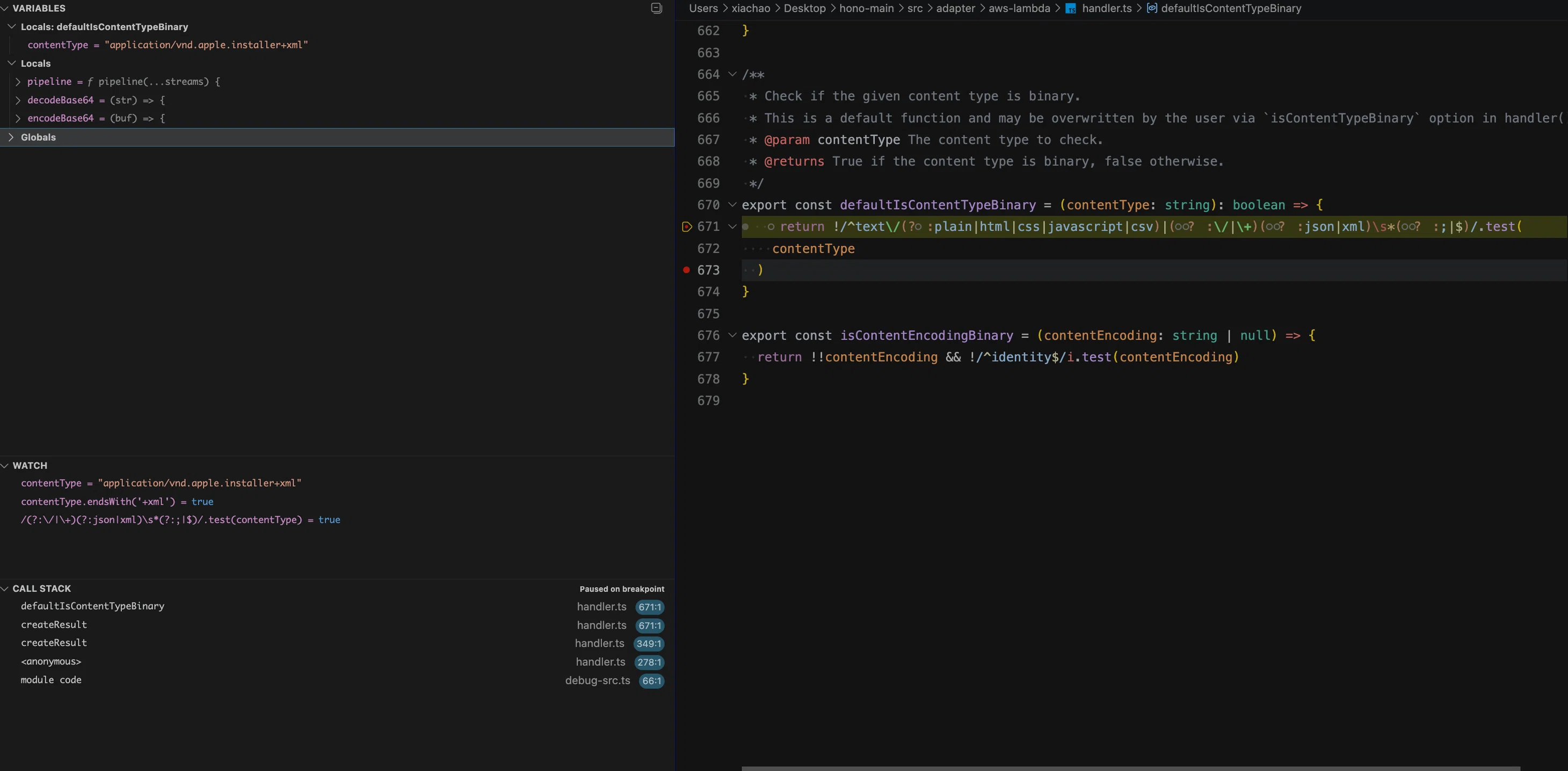
Step 1 — the check runs against the media type, and the (?:\/|\+)(?:json|xml) alternative matches because +xml sits at the end of the string, so the function returns false ("not binary"):
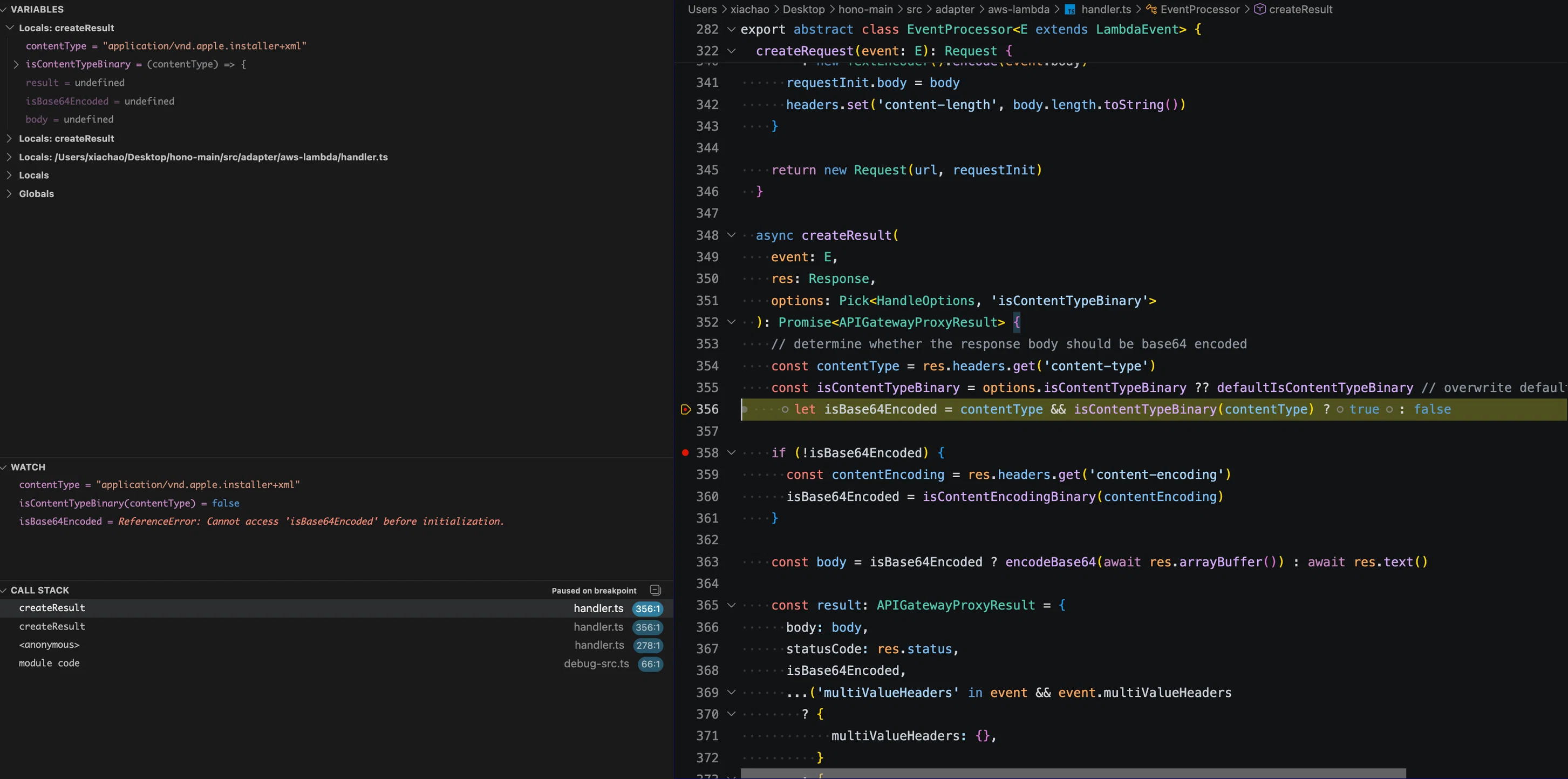
Step 2 — that false is used directly as the encoding decision. options.isContentTypeBinary is undefined, so the default function above is what produced it:
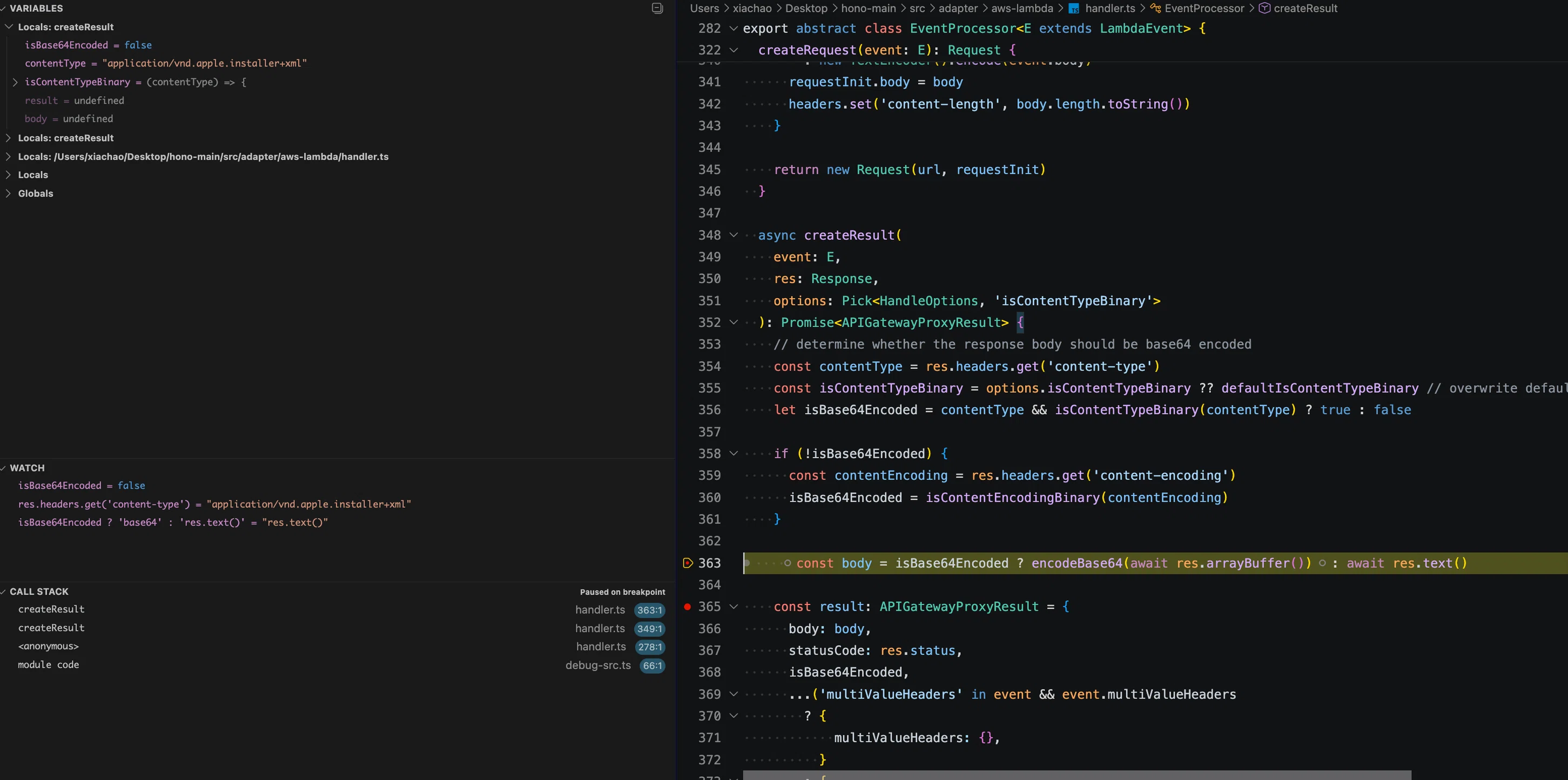
Step 3 — with isBase64Encoded false, the body is read through res.text(), which decodes it as UTF-8:
Step 4 — comparing what the app sent with what the adapter returns:
--- AWS Lambda adapter: binary response through Hono ---
content-type      : application/vnd.apple.installer+xml
isBase64Encoded   : false
bytes sent by app : 78617221001c0001000000000000006400000000000000c800000001fffe8081 (32 bytes)
bytes in response : 78617221001c000100000000000000efbfbd00000001efbfbdefbfbdefbfbdefbfbd (42 bytes)
RESULT            : response body is corrupted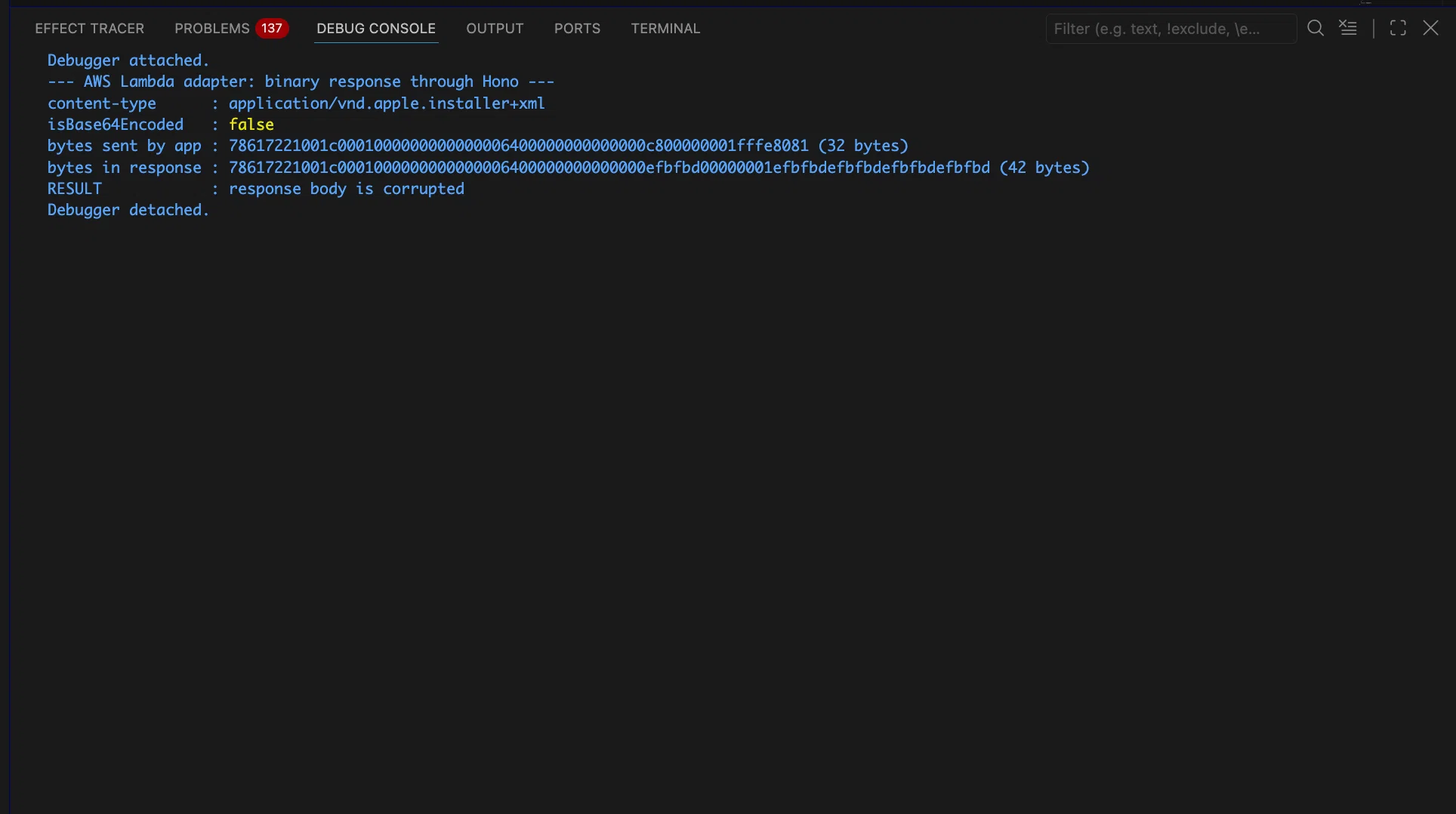
The trailing ff fe 80 81 is not valid UTF-8, so it comes back as efbfbd (U+FFFD) repeated — 32 bytes turn into 42, and the archive cannot be opened.
Why I think this is the same bug as #4468
#4468 reported this exact failure for Office files ("the file will be broken on download", because xml is part of the mimetype), and #4469 fixed it by rewriting this pattern:
- /^(text\/(plain|html|css|javascript|csv).*|application\/(.*json|.*xml).*|image\/svg\+xml.*)$/
+ /^text\/(?:plain|html|css|javascript|csv)|(?:\/|\+)(?:json|xml)\s*(?:;|$)/
The new pattern only matches xml when it is followed by ; or the end of the string. Office media types end in …wordprocessingml.document, where xml is followed by ., so they no longer match and are now correctly treated as binary. But a media type that ends in +xml — like application/vnd.apple.installer+xml — still matches, so it is still treated as text.
So #4469 fixed the Office family without closing the general case. I think the fix is to list the binary +xml archives explicitly, the same way image/svg+xml is currently handled as text:
const BINARY_XML_ARCHIVE_CONTENT_TYPES =
  /^application\/vnd\.(?:apple\.installer|mozilla\.xul)\+xml\s*(?:;|$)/i

export const defaultIsContentTypeBinary = (contentType: string): boolean => {
  if (BINARY_XML_ARCHIVE_CONTENT_TYPES.test(contentType)) {
    return true
  }
  return !/^text\/(?:plain|html|css|javascript|csv)|(?:\/|\+)(?:json|xml)\s*(?:;|$)/.test(
    contentType
  )
}Source: honojs/hono