FloatingArrow renders visual edge-doubling artifact when `fill` uses a semi-transparent color
Description
When fill is a semi-transparent color (e.g. hsla(0, 0%, 0%, 0.72)) and strokeWidth > 0, FloatingArrow renders a visible double-edge / darkened artifact along the edges of the arrow. The same semi-transparent paint layer is applied twice — once as the fill, once as a stroke — causing alpha compositing to visibly darken the edges.
Visual
Zoomed in — artifact-prone setup (left) vs cleaner setup (right):
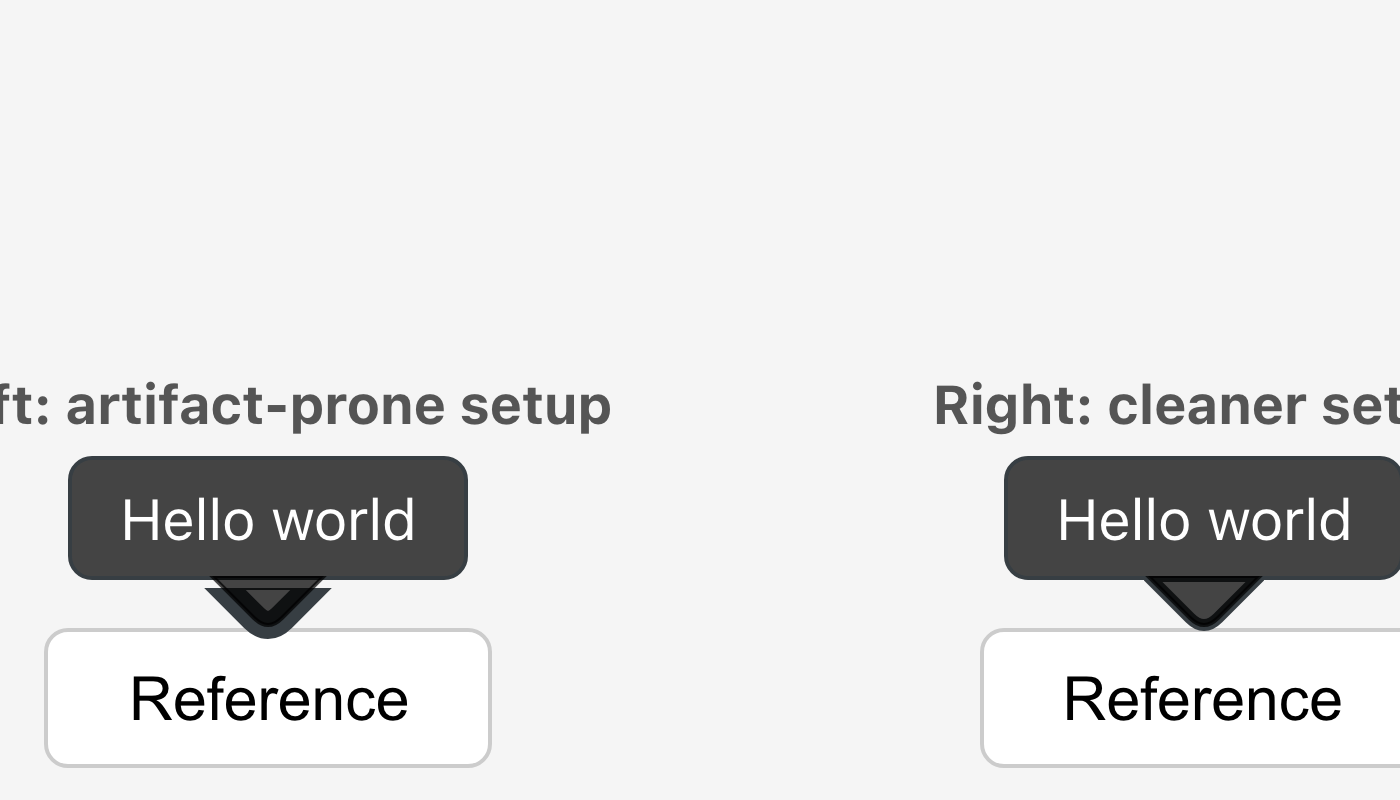
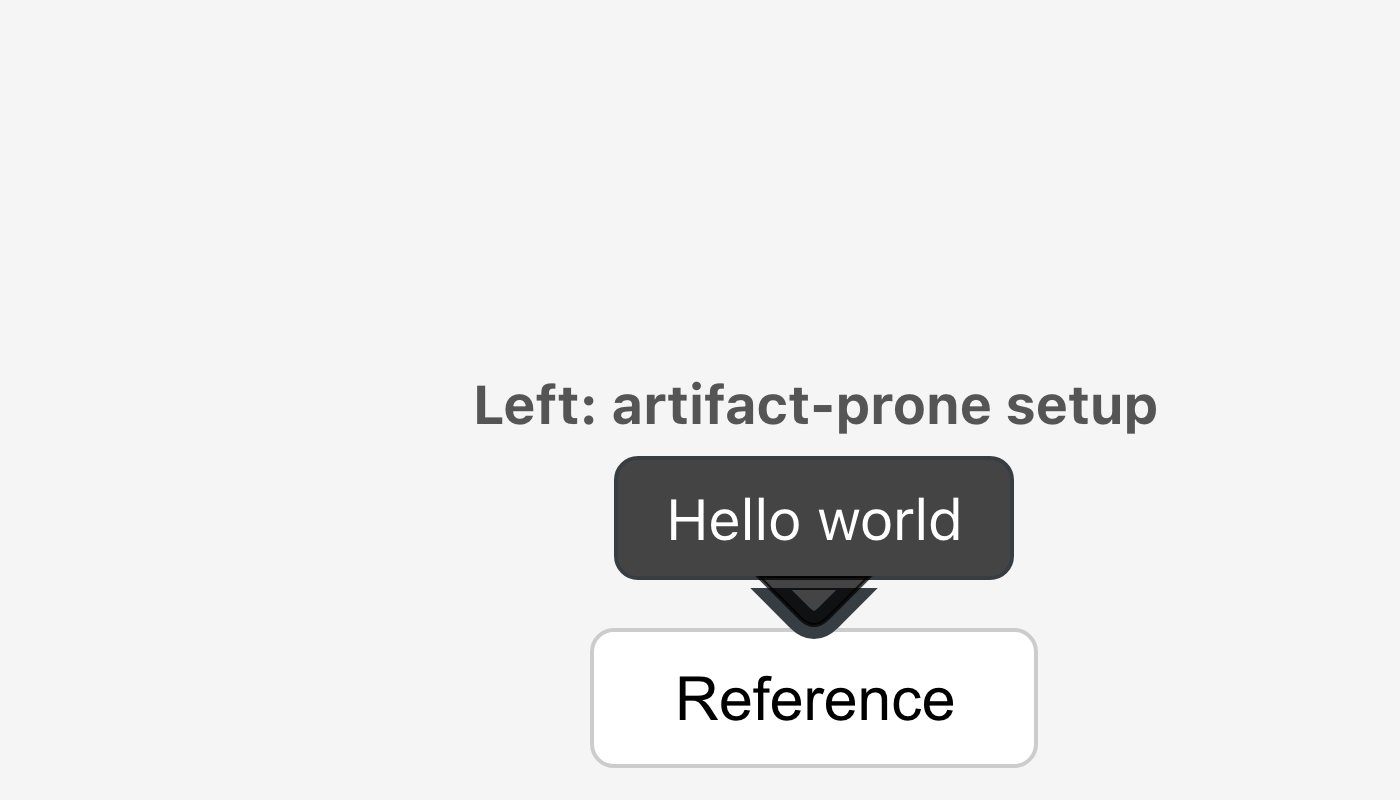
Zoomed in on the artifact arrow alone:
Full view — left: strokeWidth={3} (broken), right: strokeWidth={1} (cleaner):
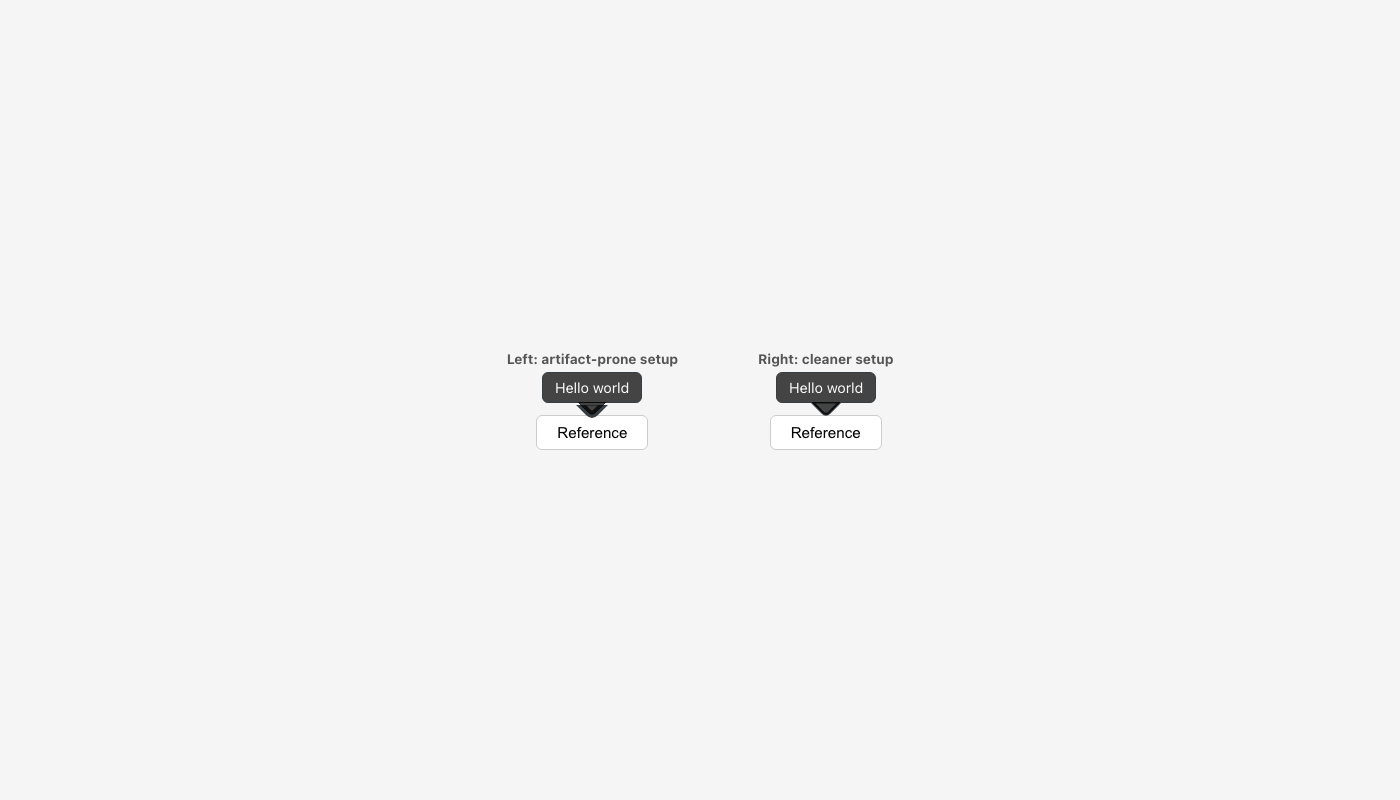
Notice the darker doubled edge on the left arrow's triangle — the fill color (hsla(0,0%,0%,0.72)) is visibly composited on top of itself along the path boundary.
Steps to reproduce
<FloatingArrow
  ref={arrowRef}
  context={context}
  fill="hsla(0, 0%, 0%, 0.72)"
  stroke="hsla(205, 10%, 24%, 1)"
  strokeWidth={1}
/>
The arrow edges appear doubled / darker than the intended fill color. This does not occur with fully opaque fills (e.g. fill="#454545").
Root cause
In FloatingArrow.tsx, the fill <path> has a stroke applied in the same fill color as a Firefox workaround:
{/* In Firefox, for left/right placements there's a ~0.5px gap where the
border can show through. Adding a stroke on the fill removes it. */}
<path
  stroke={computedStrokeWidth && !d ? rest.fill : 'none'}
  d={dValue}
/>
When fill is fully opaque this is invisible. When fill is semi-transparent, the stroke bleeds outside the fill boundary and is alpha-composited on top of the fill at the path edges — producing a darker ring that reads as a doubled edge.
Expected behaviour
Arrow edges match the fill color uniformly with no darker ring or double-edge artifact.
Proposed fix
Add paintOrder="stroke fill" to the fill path. This instructs the SVG renderer to draw the stroke beneath the fill. The fill completely covers the inner half of the stroke, eliminating the compositing artifact — while the Firefox gap fix remains active.
 <path
+  paintOrder="stroke fill"
   stroke={computedStrokeWidth && !d ? rest.fill : 'none'}
   d={dValue}
 />
paint-order is supported in all modern browsers (Chrome 35+, Firefox 60+, Safari 8+, Edge 17+).
Source: floating-ui/floating-ui